

Emmet for HTML: A Beginner’s Guide to Writing Faster Markup
Stop typing boilerplate - let Emmet generate your HTML in seconds
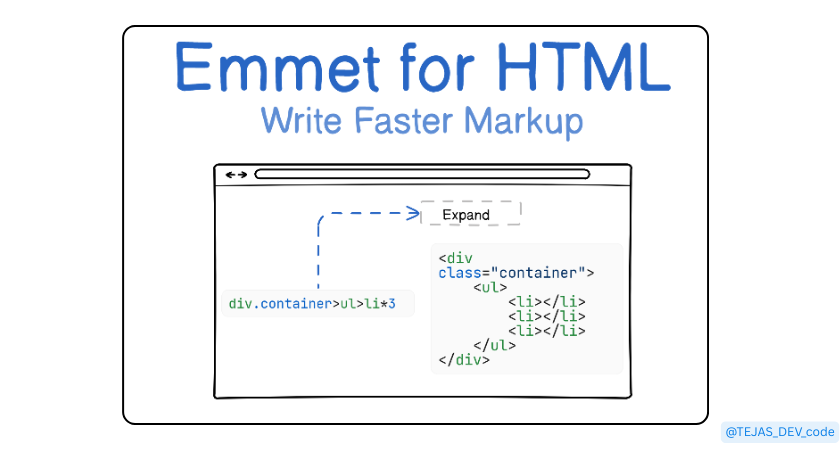
I still remember my early days of learning HTML. Every time I had to build a simple webpage, I found myself typing div then div then div again. It felt like writing the same thing over and over, slowly. One afternoon, after my fingers cramped from typing, I discovered Emmet and it changed everything.
If you’re tired of typing the same HTML again and. Emmet will feel like a superpower.
1. What Is Emmet?
Emmet is a shortcut language for HTML (and CSS). It allows you to write short abbreviations that instantly expand into complete HTML structures.
2. Why Emmet is useful for HTML beginners
Imagine having a friend who magically types for you that’s Emmet.
No more repetitive typing of div’s, ul’s, and li’s.
Lets you focus on learning HTML concepts instead of typing everything manually.
3. How Emmet Works in Code Editors
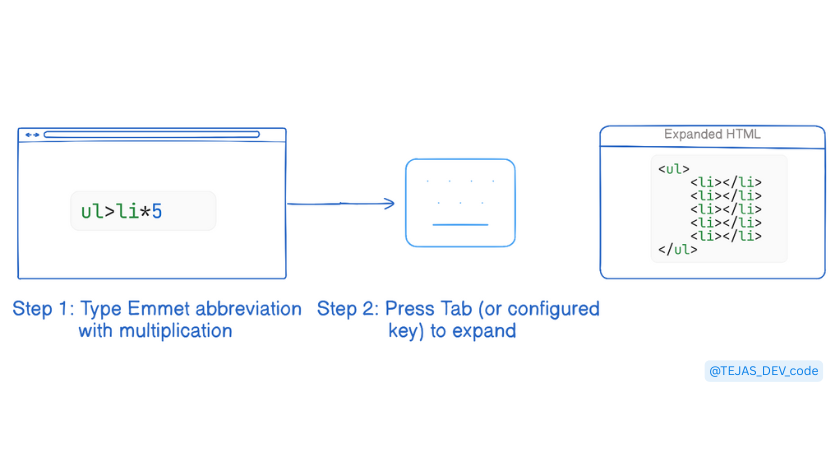
- You type an abbreviation → Press Tab → Expanded HTML.
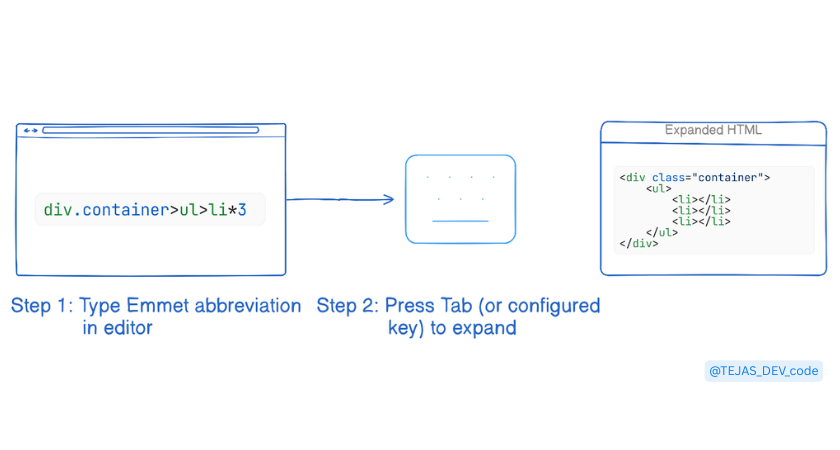
4. Basic Emmet syntax and abbreviations
Basic Emmet Syntax
example:
Abbreviation:
ul>li*3
After pressing Tab:
<ul>
  <li></li>
  <li></li>
  <li></li>
</ul>
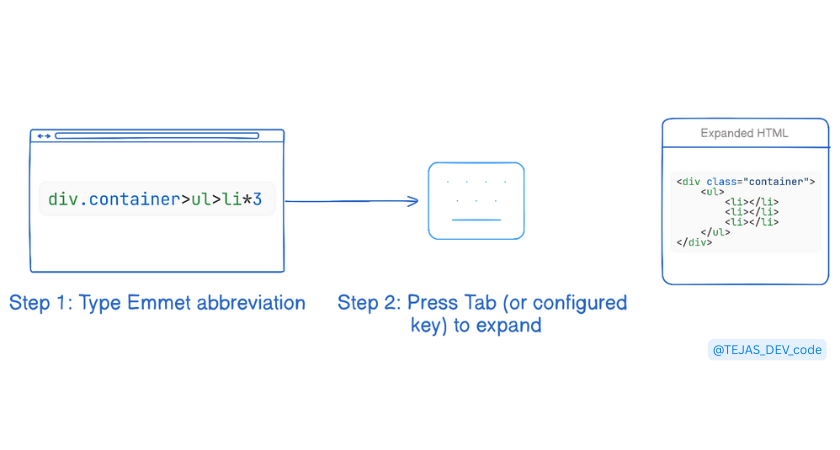
5. Creating HTML Elements
Emmet can create any HTML element.
example:
Abbreviation:
header>h1+p
After pressing Tab:
<header>
  <h1></h1>
  <p></p>
</header>
6.Adding classes, IDs, and attributes
we can also add classes, IDs, and attributes quickly:
Abbreviation:
div#main.container
Expanded HTML:
<div id="main" class="container"></div>
You can even add other attributes like this:
a[href="https://example.com"]
After pressing Tab:
<a href="https://example.com"></a>
7. Creating nested elements
Abbreviation:
section>h2+p>span
After pressing Tab:
<section>
  <h2></h2>
  <p>
    <span></span>
  </p>
</section>
The > symbol always means “inside”, and you can go as deep as you want.
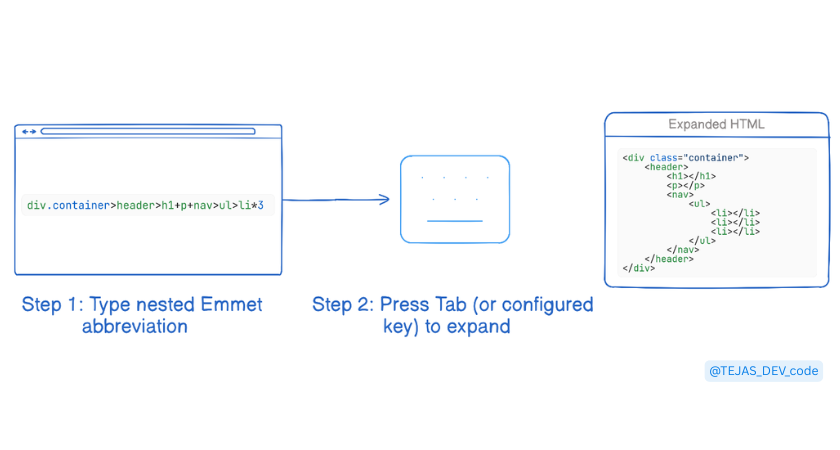
8.Repeating elements using multiplication
You can repeat elements using *:
Abbreviation:
ul>li.item*5
Expanded HTML:
<ul>
  <li class="item"></li>
  <li class="item"></li>
  <li class="item"></li>
  <li class="item"></li>
  <li class="item"></li>
</ul>
9.Generating full HTML boilerplate with Emmet
Instead of writing all the standard HTML from scratch, Emmet can generate it instantly:
Abbreviation:
!
Expanded HTML:
<!DOCTYPE html>
<html lang="en">
<head>
  <meta charset="UTF-8">
  <meta name="viewport" content="width=device-width, initial-scale=1.0">
  <title>Document</title>
</head>
<body>

</body>
</html>
A single ! gives you a complete starting point for any project.
10.Final Thoughts
Emmet is optional, but it’s one of the most powerful productivity tools for anyone learning HTML. Start with these basic patterns, try them in your editor, and notice how much faster your workflow becomes.
Once Emmet clicks, HTML stops feeling slow and starts feeling fun.